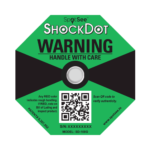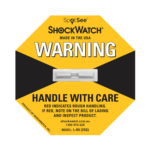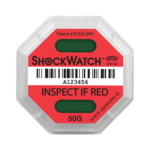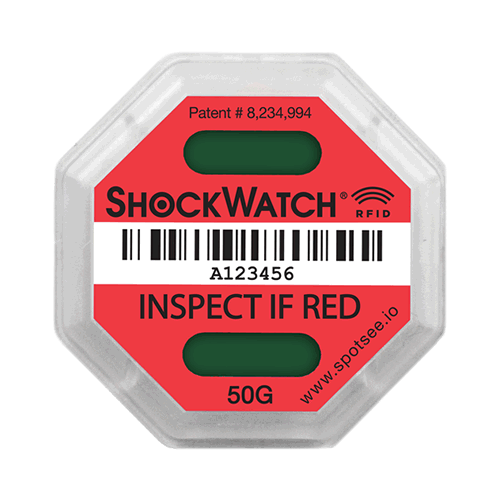
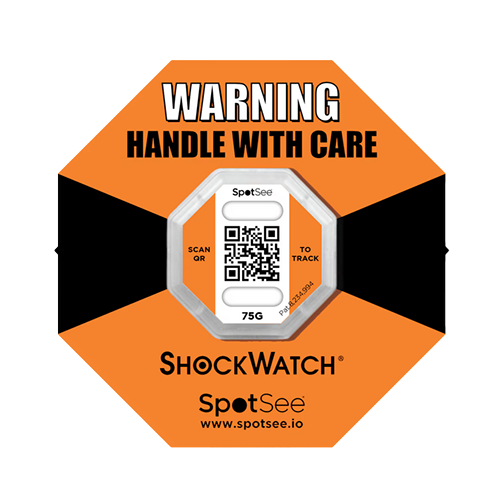
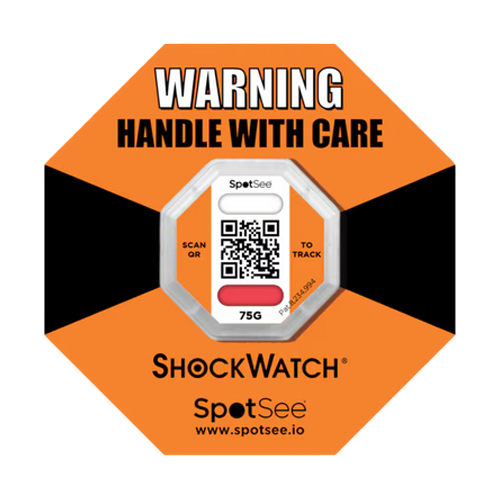
ShockWatch® 2 QR Impact Indicators are a single-use, battery free, connected impact sensor enabled by smart phones to seamlessly determine if a condition (i.e. impact) event has occurred and reports this condition along with time, date, location, and serial number to the SpotSee cloud. SpotSee’s cloud platform displays individual sensor information and high-level condition insights to aid shipping and quality improvements. ShockWatch 2 QR turns from clear to red when an impact over the selected threshold is experienced.
Selecting the most suitable ShockWatch 2 QR impact indicators
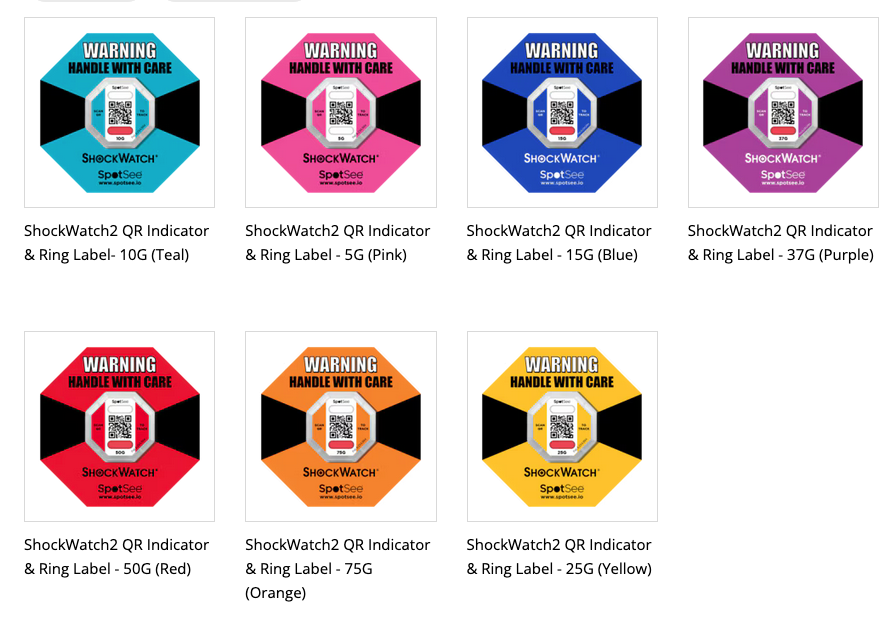
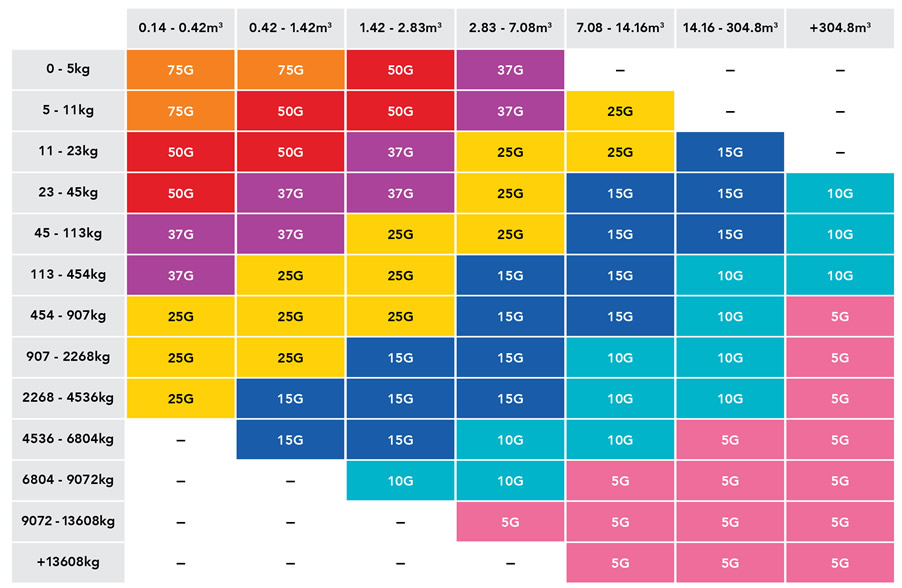
Available in seven sensitivities, as indicated by the seven different colours – simply match the sensitivity of the ShockWatch 2 QR to the level of impact the product and packaging can withstand based on any non operating shock specifications that the product may have or select a ShockWatch 2 QR based on the mass and size of your shipment from our ShockWatch 2 QR Selection Guide below.
ShockWatch 2 QR Labels visually deter and detect mishandling
The ShockWatch 2 QR impact indicators mount to the exterior of packaging of a shipment and visually alerts everyone involved in the handling of the package that additional care is required. If mishandling occurs during the shipment and handling cycle, the ShockWatch 2 QR serves as a permanent record of mishandling.
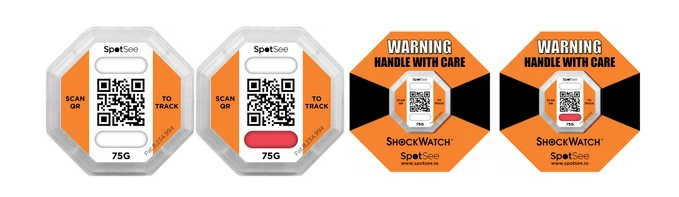
If a package has not been mishandled, the top or bottom window of the ShockWatch 2 QR will remain white. If the package has been mishandled, either top or bottom window will show red colouration. Any red in the either of the ShockWatch 2 QR windows alert receivers to inspect the package for potential damage.
Economical solution to reduce your damage related costs
ShockWatch 2 QR impact indicators offer an economical solution to prevent damage during product transit.
Indicate when mishandling has occurred with ShockWatch 2 QR impact indicators
The ShockWatch 2 QR impact indicators are not indicators of damage, they are an indicator of mishandling. If a shipment arrives at a destination with an activated ShockWatch 2 QR, the receiver should immediately note any visible damage to the shipment, open the package and inspect for any damage to the goods.
Using ShockWatch 2 impact indicators to determine if any damage to the product may have occurred requires in house drop testing to ascertain the ShockWatch 2 QR which is most suitable. This may lead to reducing the number of inspections that may have to be performed by the end user.
KEY FEATURES
Digital Touchpoint Go/No-Go Impact Detection
The indicator turns from clear to red when an impact above the threshold is detected, providing an immediate visual alert of possible damage.
QR-Enabled Cloud Connectivity
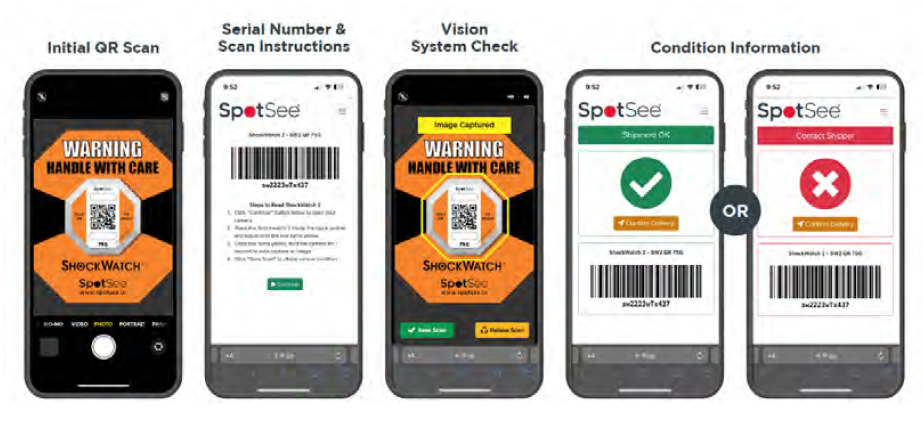
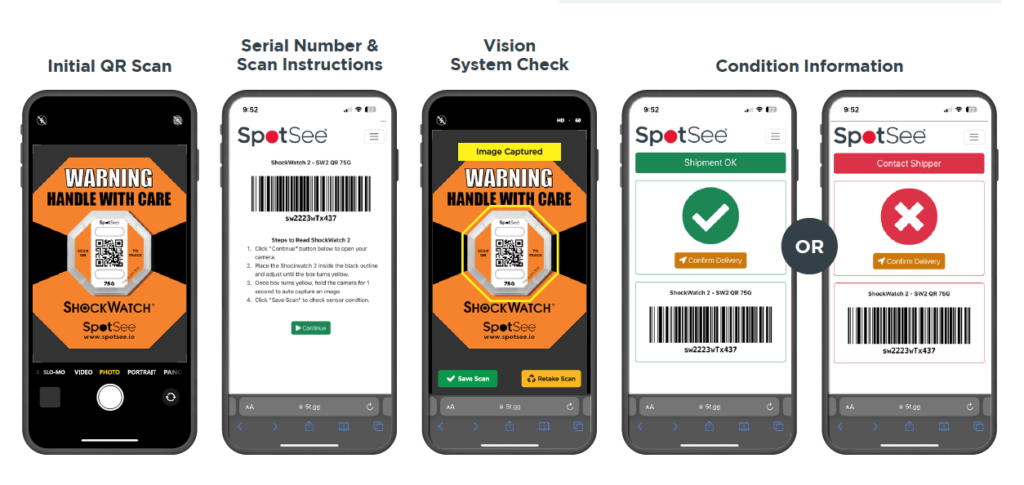
Scanning the QR code with any smartphone (no app required) reports the condition status, location, and timestamp to the SpotSee Cloud. This enables real-time decision-making and end-to-end shipment visibility.
Enhanced Supply Chain Insights
SpotSee Cloud displays individual sensor status as well as aggregated condition trends, helping customers identify high-risk lanes, recurring issues, and opportunities for packaging or handling improvements.
Improves Accountability & Handling
Clear indicators and digital traceability help deter mishandling throughout the supply chain by signaling that shipments are actively monitored.
Compliance-Ready & Secure
The cloud platform is built to meet 21 CFR Part 11 requirements for record keeping and user authentication, ensuring data integrity and security.
Easy Deployment
ShockWatch® 2 QR is field-armable, tamperproof, and simple to use—just arm the indicator, apply it to the shipment, and instruct receivers to scan upon delivery. No return program or battery management is required.
PRODUCT RANGE
HOW IT WORKS
- Arm and apply the ShockWatch® 2 QR indicator to the shipment.
- The device monitors for impacts above the threshold.
- Recipient scans the QR code using any smartphone—no app needed.
- Scan triggers a condition status report that uploads directly to SpotSee Cloud.
- Shippers gain immediate visibility into shipment condition, time/date of scan, and location.
BENEFITS
- Acts as a visual deterrent to improper handling
- Reduces mishandling through awareness
- Provides indisputable evidence of mishandling
- Alerts recipient to inspect contents before acceptance
- Promotes chain of accountability for all product handling
- Confirms effectiveness of packaging
- Helps identify trouble spots in the supply chain from production to transportation and storage
- Helps increase quality of product from dock to dock
APPLICATIONS
- Energy and Utilities
- Furniture and Fixtures
- Auto and Truck Parts
- Metal Fabrication
- Consumer Electronics
- Telecommunications Equipment
- Network Equipment
- IT Hardware
- High Tech Equipment
- Instrument Panels
- Logistics & Transport
- Packaging/Crating
- Networking Hardware
- Medical Supplies
- Medical Devices
- Aerospace Components
- Defense Components
- Small Distribution Transformers
SHOCKWATCH 2 QR SELECTION GUIDE
There are two things you need to know to begin selecting a ShockWatch 2 impact indicator sensitivity: shipment size (m³) and weight (kgs).
The selection guide should always be used as a starting point only. The ShockWatch 2 that will be best suited to your application will also take into account product fragility and packaging.
OPTIONAL ACCESSORIES
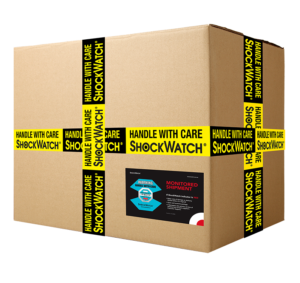
Optional Companion Labels and Alert Tape are recommended for use with the ShockWatch 2 as additional tools that increase the visibility or the handling requirements of your package. The ShockWatch 2 is applied to the Companion Label and the Companion Label is applied to the shipment.
(see Accessories below)
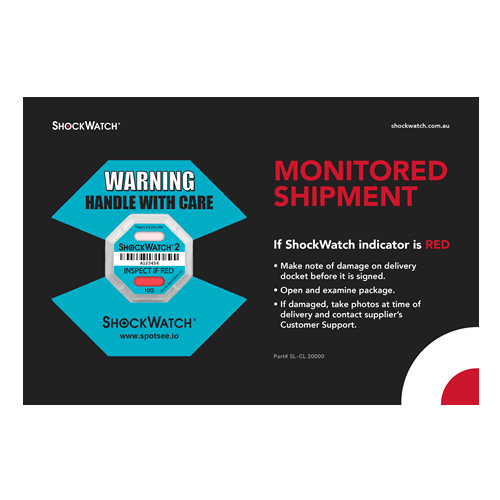
Companion Label
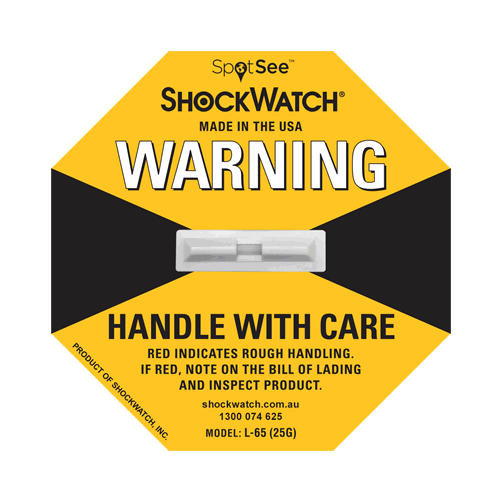
The Companion Labels provide an additional visual warning and instructions on what to do if mishandling occurs.
The ShockWatch 2 Label is placed on the corresponding footprint printed on the labels.
Companion Labels are 23 cm (L) x 15 cm (W)
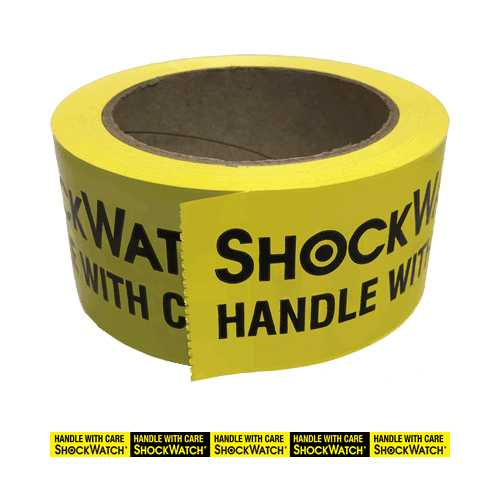
Alert Tape
Use Alert Tape crisscrossed on your package to provide an added visual warning against mishandling.
Tape is 50mm (W) x 66m (L)
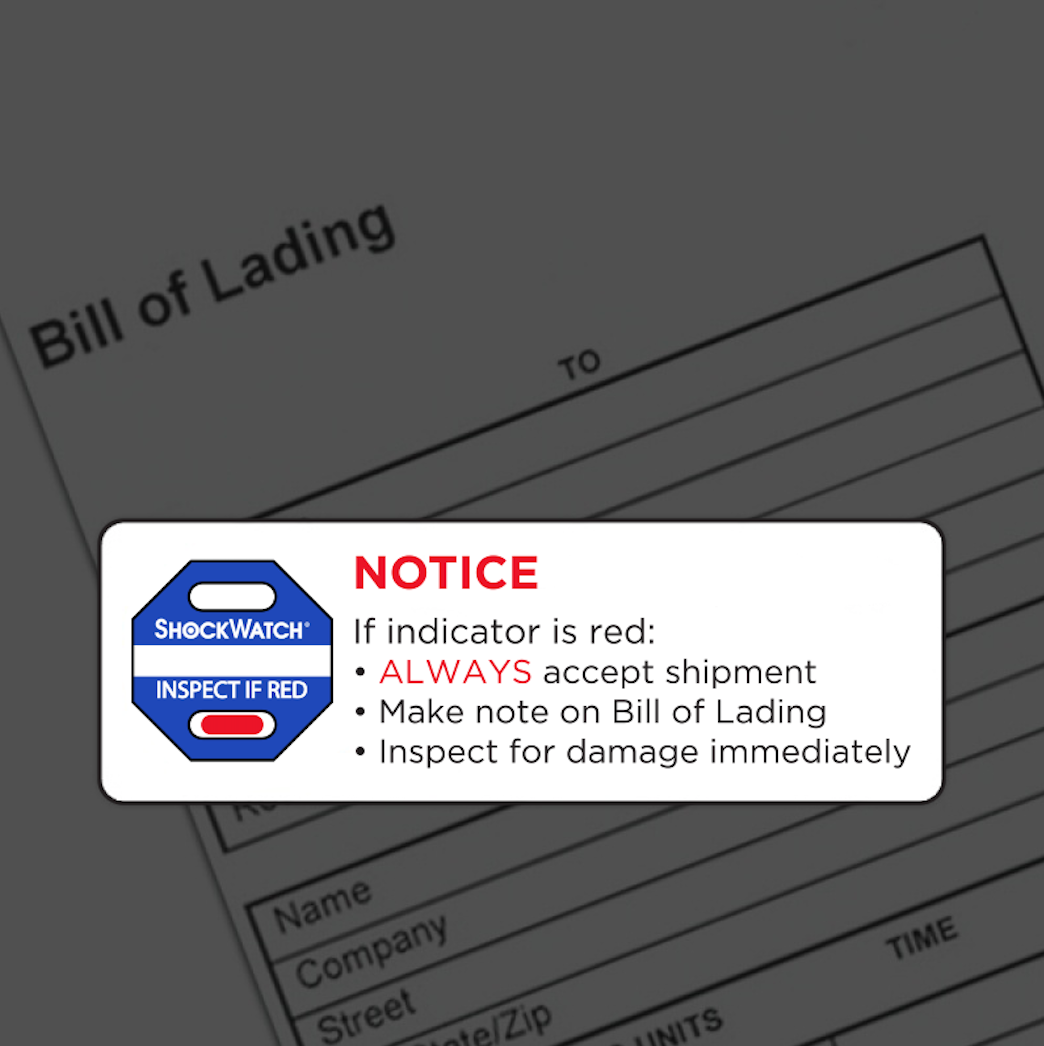
Alert Sticker
Included in each box of ShockWatch2.
Affix to the Bill of Lading or place next to the ShockWatch 2 mounted on the box to caution the carrier and consignee that the shipment is monitored
RELATED PRODUCTS